Laptop charger compatibilityThe plug is only the beginning.
A replacement laptop charger must match your exact device, electrical requirements and charging connection. The same connector or wattage alone does not prove compatibility. Start with your laptop model and the output label on its recommended adapter.
Prepare a charger check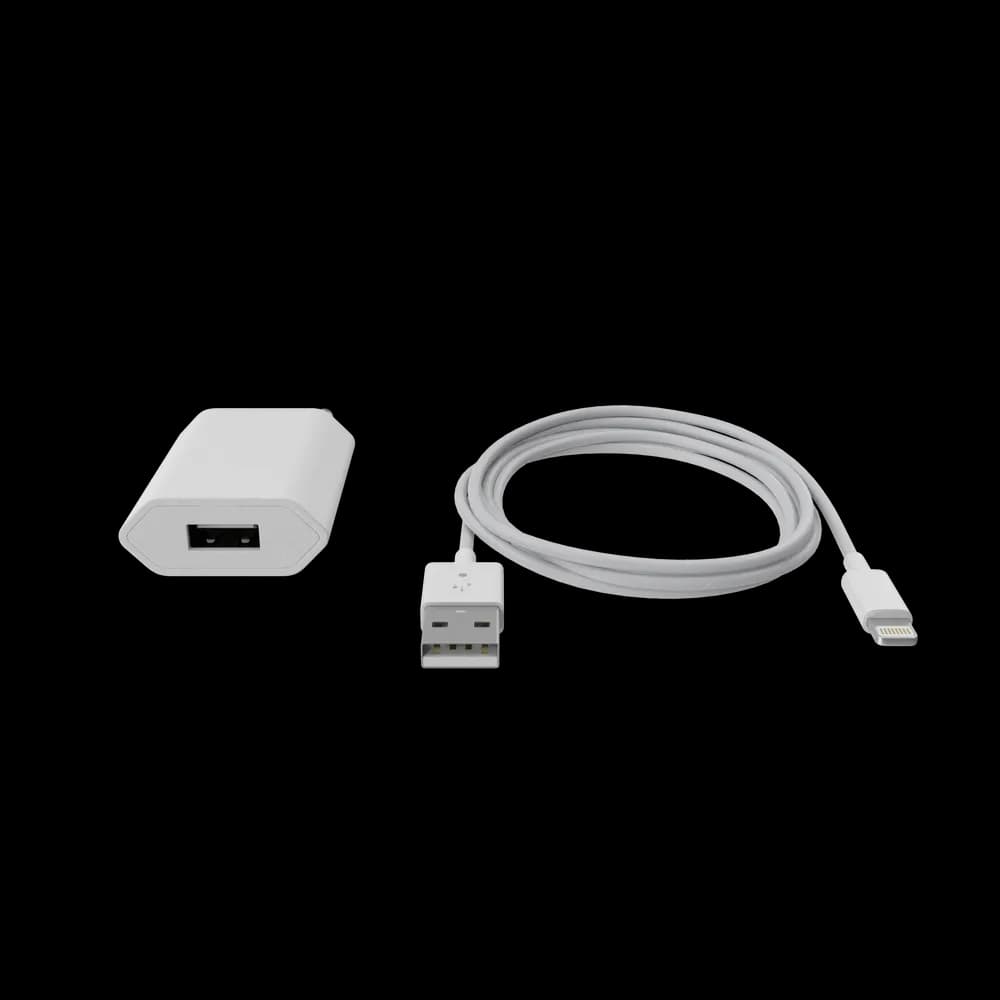
By Furalia Tech Solutions · Guidance reviewed
Match the whole charging system.
- 01
Identify the exact laptop
Find the manufacturer, full model and product number from its label or system information. Use the official support guide to identify the recommended adapter; a family name alone may cover several power requirements.
- 02
Read the output, not just the input
For a barrel adapter, verify the required DC output voltage, adequate current and wattage, connector dimensions and polarity against the device guide. The input label describes the wall supply, not the laptop’s required output. Do not force a connector or use a damaged adapter.
- 03
Check USB-C Power Delivery
Confirm that the particular laptop port accepts charging, then check the required USB PD profiles and the cable’s power capability. Apple permits suitable USB PD sources for Macs that charge by USB-C; this does not mean any USB-C charger fits every laptop.
- 04
Confirm the adapter and cable together
Ask whether the power cable is included, which wall plug is supplied and whether a multi-port adapter shares its output. On Dell systems, adapter identification warnings can indicate a charging problem even when the connector fits.
Make the replacement specific.
Add the laptop model and any readable output details from the recommended charger. If the old label is missing, say so. The inquiry requests a check; it does not generate an automatic compatibility verdict.
Possible parts. No assumed match.
The catalog options below are not recommendations for your device. Exact adapter model, output and connector still need confirmation.
Offers checked . Prices are before delivery. Catalog availability is not a reservation or confirmation of physical stock.
A few things worth clearing up.
Will any USB-C charger charge my laptop?+
No. The laptop must support charging through that port, and the adapter and cable must meet the device's power and protocol requirements. Check the manufacturer's guide for your exact model. A USB-C connector alone does not establish this.
Is a higher-wattage charger always compatible?+
No. Wattage alone is insufficient. Apple allows compatible USB Power Delivery adapters for Macs that charge through USB-C and recommends at least the model's recommended wattage for the best experience. That does not establish compatibility with a barrel-plug laptop or every USB-C device.
What if I no longer have the original charger?+
Find the laptop's exact model and product number, then use its official support guide to identify the recommended adapter. Send Furalia the model and charging connector details. Do not guess output requirements from a similar laptop.
Confirm the details. Then order.
Delivery in Dar es Salaam
Standard delivery across Dar es Salaam costs TZS 10,000. In-stock hardware is scheduled for delivery within 24–48 business hours after payment confirmation. Outside Dar es Salaam, contact Furalia before ordering to confirm availability, arrangements, and cost.
Delivery detailsPayment & warranty
Place your order on furalia.co.tz, then confirm the order and arrange payment by phone with Furalia. Orders are dispatched after payment is verified. An order confirmation alone is not proof of payment.
Confirm the warranty period and coverage for your exact product before purchase. Returns are handled through warranty claims. Contact Furalia with your order number, product details, and a description of the fault before sending a product.
Warranty details
